
Table of Contents
Disclosure: Some links in this post are affiliate links, which means StealTheDecor may earn a small commission at no extra cost to you. I only link products I bought with my own money and installed in my own rental.
Two feet of HDMI cable slapped against my shin every time I rolled the chair back. Underneath your desk is where every problem hides and underneath mine sat a nest of tangled cables a surge protector face down on the carpet and a phone charger I had given up on finding. Messy cables dangle they eat desk space and they look unsightly on camera during a video call.
My apartment lease in Austin bans wall anchors desk screws and anything that leaves a mark so the usual advice to screw a tray into the underside of the desk was useless to me. So I went looking for cable management ideas desk renters can actually install and remove and I tested 12 of them across three weekends on a rented desk and a standing desk I own.
Every method below got measured on four things: total cost install time how clean the desk looked after and what the adhesive did to the surface on removal. Some failed. One failed loudly at 1 a.m. Here is what stayed up what peeled and what I would buy again.
Quick Answer: The most reliable no-drill cable management for a desk is a clamp-on under desk cable tray paired with reusable Velcro cable ties and a closed cable management box for the power strip. That combination costs about $45 to $70 installs in under 30 minutes and leaves no residue on rental desks. Adhesive cable clips work well for single cords but fail under bundles heavier than one pound.
What Desk Cable Management Actually Means for Renters
Desk cable management is the practice of routing bundling and hiding the cords that feed your monitor computer and peripherals so they run along fixed paths instead of hanging loose. Good cord management turns cable clutter into one deliberate line and gives back the desk space a pile of loose cords was eating. In a rental the definition gets one extra rule. Every part of the system has to come off the desk and the wall without leaving a hole a scratch or a gray adhesive shadow.
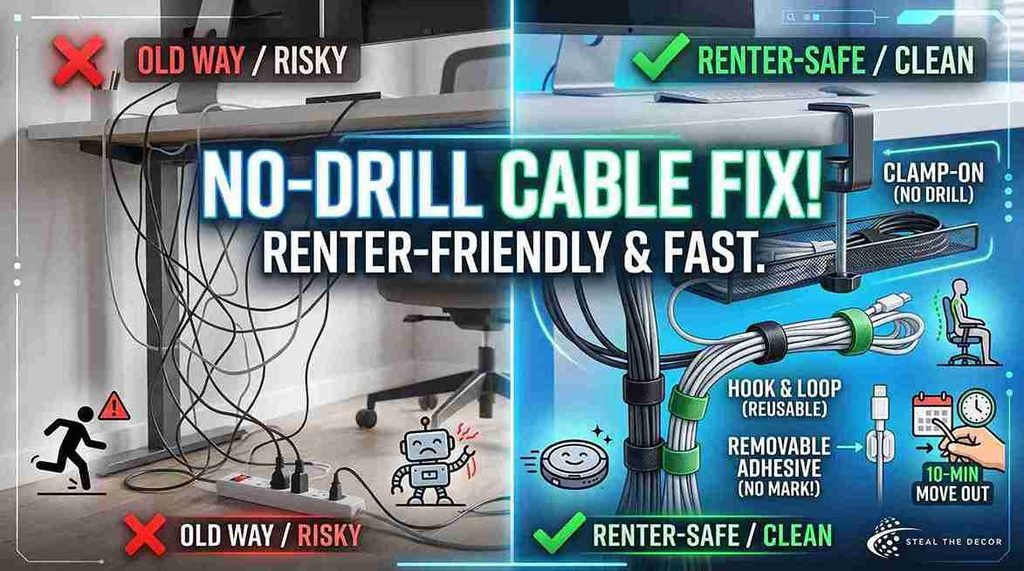
That rule changes which products make sense. A screw-in cable rack is out. A clamp a tension fit or a removable adhesive is in. Renter-safe cable management leans on three hardware types: clamps that grip the desk edge hook and loop straps that need no hardware at all and removable adhesive holders rated for the surface they sit on.
The payoff is not only looks. Loose cords under a desk are a tripping hazard and the U.S. Occupational Safety and Health Administration lists trailing cords among the common slip and trip causes in office spaces which is the same risk in a small apartment where the walkway between bed and desk is 30 inches wide. A tidy workspace is also easier to clean under and my robot vacuum stopped eating cables the week I finished. Under-desk cable management helps your ergonomics too since a chair that rolls freely is a chair you sit in properly.
Bottom line: in a rental good cable routing is the version you can undo in ten minutes on move-out day.
Does Under Desk Cable Management Work Without Drilling?
Yes no drill cable management desk setups hold up well with one clear limit. Clamp-mounted and Velcro-based methods handle heavy loads without any risk to the desk while adhesive-only mounts are dependable for light single cords and unreliable for thick bundles.
Here is what I found after loading each method on purpose. A clamp-on under desk cable tray carried a surge protector a power brick and six cables with zero sag because the weight sits on the clamp and not on glue. Velcro cable ties held every bundle I built and never marked the desk. Adhesive cable clips held a single USB-C cable and a single HDMI cable all summer. The same clips dropped a four cable bundle twice.
The way you route cables matters as much as the hardware. Run them along one edge drop them into a tray and the whole desk reads as clean and tidy even before you bundle anything. Surface matters more than brand. Adhesive grabs well on sealed laminate painted metal and finished wood. It grabs poorly on raw particleboard on textured desk undersides and on the dusty back edge nobody wipes. In my experience the fix is boring: clean the spot with isopropyl alcohol let it dry press for 30 seconds and wait an hour before loading it.
The honest failure: a strip of adhesive cable holders on the underside of my rented desk let go at 1 a.m. and dropped a monitor power cable and a phone charger onto the floor. The desk was fine. My sleep was not.
Bottom line: use clamps and Velcro for weight and save adhesive for individual cables.
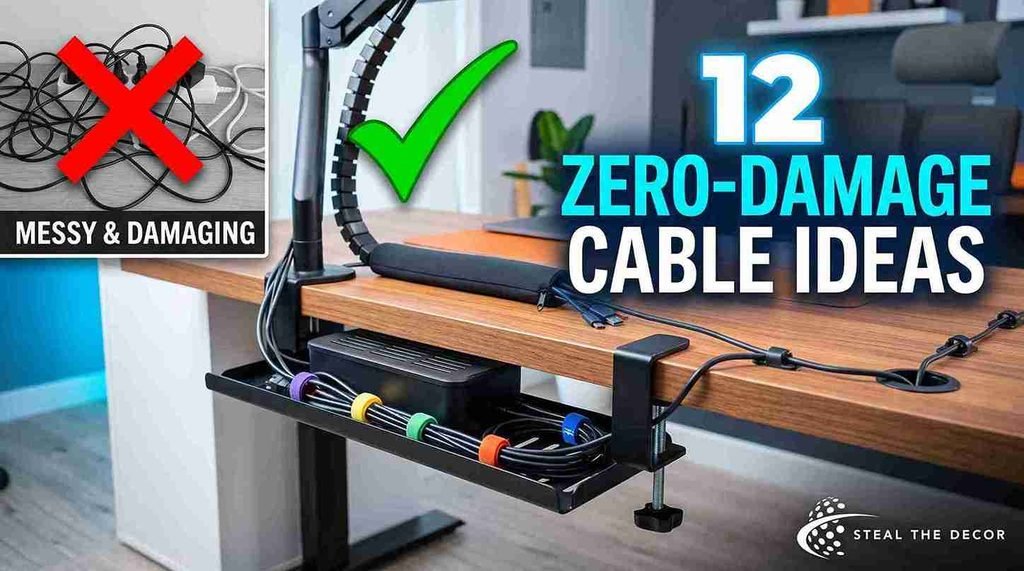
12 Cable Management Ideas Desk Setups Can Use With Zero Damage
These 12 desk cable management ideas are ranked by how much visible clutter each one removes for the money. Every price is a range because prices move and every one of these went on my own desk.
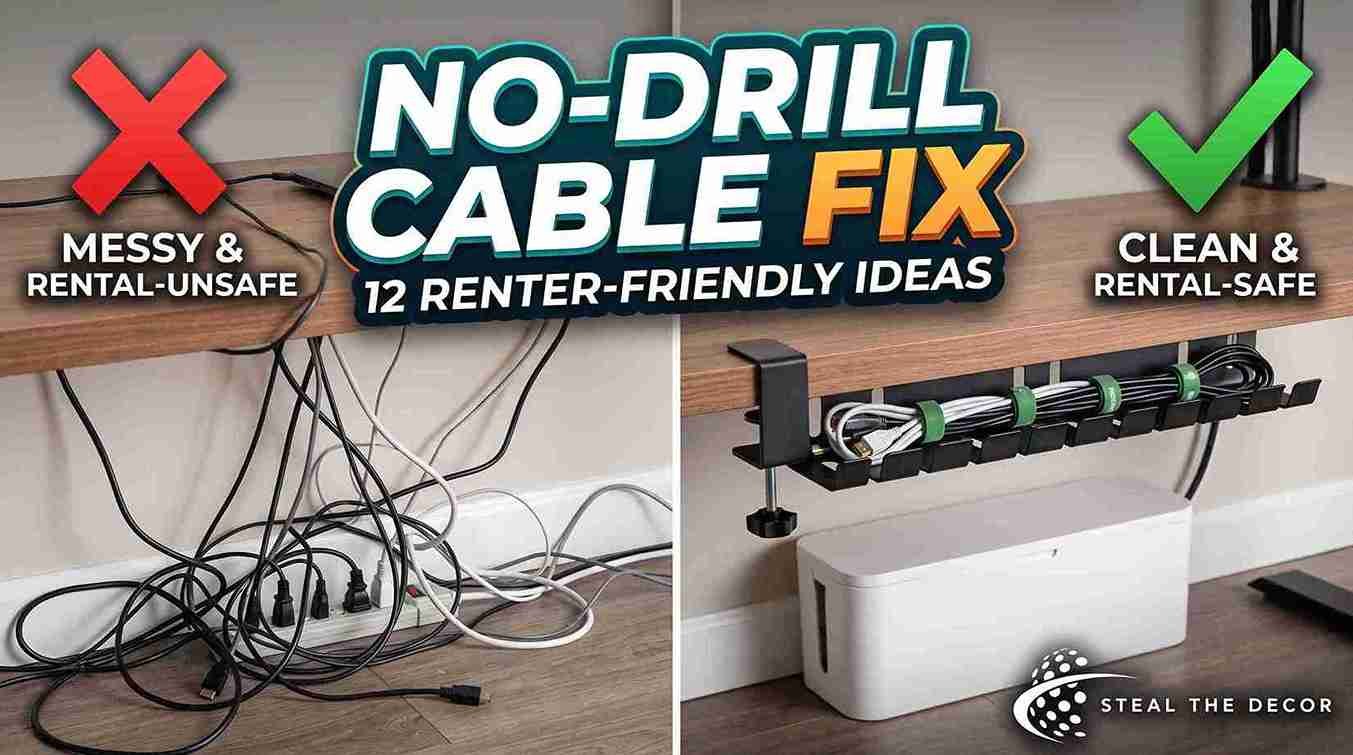
- Under desk cable tray clamp style. The Vivo under desk cable tray (typically $22 to $35 on Amazon) clamps to the desk edge with a screw clamp that tightens against a rubber pad so no screws touch the wood. It swallowed my surge protector and three power bricks. This is the single biggest visual win in the list.
- Under desk cable tray adhesive style. A steel mesh desk cable management tray with 3M backing (around $18 to $28) suits desks too thick for a clamp. Mine held about two pounds steadily and started to creep at four so treat the rating as a ceiling and not a target. Adhesive desk trays are the fallback not the first pick.
- Cable management box for the power strip. A closed cable management box for desk use (roughly $15 to $30) hides the surge protector and the block of plugs that makes a floor look messy. Slots on both ends let cables in and out. Keep the lid vented and never stuff a charging station inside a sealed container.
- Velcro cable ties. Velcro One-Wrap by Velcro Brand (about $8 to $14 for a roll) is the cheapest fix here and the one I reach for most. Cut the length you want bundle cables at 6 inch intervals and undo them in a second when you swap a monitor.
- Cable sleeve. A neoprene cable sleeve for desk runs (typically $10 to $18) zips several individual cables into one clean trunk. My monitor power HDMI and Ethernet went from three dangling lines to one gray tube that reads as furniture. Cable sleeves do more for the aesthetics of a desk than any other item on this list for the money.
- Adhesive cable clips. Command Cord Clips by 3M (about $6 to $12 per pack) route one cable along the desk or wall on a leg or the back edge. 3M rates its Command line for clean removal by pulling the tab straight down and that is exactly how mine came off with no paint damage on the wall clips.
- Cable raceway with removable tape. A D-Line cable raceway also sold as J-channel (around $15 to $25 for a multi-pack) is a plastic gutter that snaps shut over a cable run along a baseboard or desk back. Use removable mounting tape instead of the included permanent adhesive.
- Cable spine for a standing desk. Standing desk cable management needs slack that moves. A flexible cable spine (roughly $25 to $40) carries the bundle from desktop to floor and folds as the desk rises which stops the tug that unplugs a monitor at full height.
- Mounted power strip under the desk. Mounting the power strip to the underside of the desk with Velcro straps rather than glue gets the whole block off the floor. My Belkin surge protector has keyhole slots on the back that a strap threads through cleanly.
- Grommet routing. If your desk has built-in grommet holes run cables through them before you bundle anything. Free instant and the tidiest path there is. Desks without grommets can borrow the same idea with a clip at the back edge and a monitor arm with a built-in channel does the same job for the screen cables.
- Docking station. An Anker USB-C docking station (typically $60 to $140 the pricier option here) replaces four or five cables to the laptop with one USB-C power and data line and it still gives you USB-A ports for older peripherals. Fewer cables beats hiding cables every time which makes a dock the closest thing to a game-changer in this list.
- Wireless peripherals. A Logitech wireless keyboard and mouse pair removes two cords from the desktop permanently and streamlines the surface you actually look at. Dull advice immediate result and the simplest entry point for anyone who wants a minimalist desk setup this week.
Bottom line: buy the clamp tray a roll of Velcro cable ties and one cable sleeve first because those three remove most of the mess for under $60.
Pro Tips for Renters:
- Wipe every adhesive spot with isopropyl alcohol and wait until it is fully dry because desk polish and skin oil are what most failed mounts have in common.
- Leave 4 to 6 inches of slack at each device before you bundle so you can pull a monitor forward without unplugging the whole desk. Keep cables loose at the ends and tight only in the middle.
- Label both ends of every cable with a wrap of white cable tape since the point of a tidy bundle is lost the first time you have to trace an HDMI cable by hand.
- Mount the tray before you route anything because feeding cables into a fitted tray is far easier than lifting a finished bundle into one.
- Keep the phone charger on a short retractable cable at the desk edge rather than inside the bundle as the one cord you unplug daily should never live in the middle of the system.
Step by Step: How to Hide Cables Under Desk Surfaces Without Damage
The whole install takes about 45 minutes and follows seven steps in this order. Doing it out of order is what turns a 45 minute job into a Saturday.
- Unplug everything and pull the desk away from the wall. Work with the back of the desk exposed and the floor clear. Take a photo of the current plug layout first. Common mistake: starting with the desk in place which means installing the tray at an angle you cannot reach.
- Sort the cables into three piles. Group them as always plugged in sometimes plugged in and never used. The never used pile goes in a drawer today. Common mistake: bundling a cable you will need to pull out next week.
- Clean every mounting spot with isopropyl alcohol. Wipe the desk edge the underside and the leg where clips will sit then let each spot dry for a full minute. Common mistake: mounting adhesive on a surface that still has furniture polish on it which is the number one reason clips drop.
- Clamp the under desk cable tray near the power outlet side. Tighten the screw clamp until the rubber pad grips then stop. Overtightening dents a laminate edge and a dent is exactly the kind of mark a deposit inspection notices.
- Set the surge protector into the tray and strap it down. Thread a Velcro strap through the keyhole slots or around the body then plug the power bricks in while the tray is still easy to reach. Common mistake: leaving the surge protector loose so it slides forward and hangs by its own cord.
- Route each cable from device to tray then bundle. Route cables along the back edge drop them into the tray and only then wrap the cables neatly with Velcro cable ties every 6 inches. Common mistake: bundling first and routing second which locks in the wrong lengths.
- Test the full range of motion before you push the desk back. Raise and lower a standing desk through its travel roll the chair and pull the monitor forward. Common mistake: skipping this on a sit stand desk where a short bundle rips a plug out at full height.
Bottom line: clean clamp route then bundle and the management system holds for months instead of weeks.
Common Cable Management Mistakes That Cost Renters Money
Most failed desk setups come down to five mistakes and I made three of them myself.
Loading adhesive mounts past their rating. A clip rated for one pound holds one cable not a bundle of four. The fix is to move any bundle to a clamp tray and leave the adhesive holders for single cords.
Using permanent mounting tape on a rental wall. Heavy duty tape from a hardware aisle will hold a cable raceway forever and it will also take paint with it. Swap in removable mounting tape or Command strips designed to release the same principle behind the damage-free hardware I used to hang mirrors without drilling.
Zip tying everything. Zip ties look neat on day one and become a problem on day two because every change means cutting and replacing them. Reusable cable ties cost slightly more per unit and save the whole system.
Bundling cables with no slack at the desk. I zip tied my monitor bundle tight against the back edge then raised my standing desk and pulled the power plug halfway out of the socket. Leave the slack always.
Ignoring heat. A charging station or a power brick packed inside a sealed cable management box runs hot. Use a box with vents on both ends and keep fast chargers outside the box entirely.
Hiding the problem instead of reducing it. Five cables in a sleeve is still five cables. A docking station or a wireless keyboard removes them and that is the cleaner desk you were after.
Effective cable management is less about clever products and more about doing four boring things in the right order which is what the steps above are for.
Bottom line: pick reusable hardware respect weight ratings and reduce the cable count before you hide anything.
Renter-Safe Cable Management Products I Actually Recommend
These five products stayed on my desk after testing and each one comes off without damage. Between them they cover cord organization at every level from a single white cable to a full under-desk cable run.
Vivo under desk cable tray (typically $22 to $35) is the backbone of the system. The screw clamp grips a desktop up to about 1 inch thick the steel mesh basket holds a surge protector plus bricks and removal is one turn of the clamp. Pros: heavy duty zero adhesive fits most desks. Cons: does not fit a very thick desktop and the clamp is visible from the side.
Velcro One-Wrap by Velcro Brand (about $8 to $14) is the reusable cable tie I use everywhere. Pros: cut to any length adjusts in a second costs almost nothing. Cons: the bundle looks less tight than a zip tie if you rush it. As a plain cord organizer this is the best value on the page.
Command Cord Clips by 3M (about $6 to $12) route single cables along a desk leg or a wall. Pros: clean removal by the pull tab works on painted drywall. Cons: strictly single cable duty and they need a clean dry surface to bond.
Alex Tech cable sleeve (typically $10 to $18) wraps several cables into one trunk. Pros: cuts visual clutter fast neoprene hides mixed cable colors. Cons: adding a cable later means unzipping the whole run.
Anker USB-C docking station (typically $60 to $140) is the expensive pick that fixes the root problem. Pros: one USB-C power and data line to the laptop fewer cords to manage at all. Cons: the highest cost in this list and it needs a laptop with full USB-C support.
| Product / Method | Price Range | Ease of Use (1-5) | Damage Risk | Best For | Our Rating |
|---|---|---|---|---|---|
| Vivo under desk cable tray | $22-$35 | 4/5 | None | Hiding a surge protector and power bricks | 5/5 |
| Velcro One-Wrap by Velcro Brand | $8-$14 | 5/5 | None | Bundling cables you change often | 5/5 |
| Command Cord Clips by 3M | $6-$12 | 5/5 | Minor residue | Routing one cable along a leg or wall | 4/5 |
| Alex Tech cable sleeve | $10-$18 | 4/5 | None | Turning multiple cables into one trunk | 4/5 |
| Anker USB-C docking station | $60-$140 | 3/5 | None | Cutting cable count at the source | 4/5 |
Table note: this table is set to scroll on narrow screens so check the right columns on mobile.
Bottom line: the tray plus the Velcro ties covers most desks and the docking station is worth it only if your laptop supports USB-C power.
What to Check With Your Landlord or Lease First
Check five things before you mount anything because cable hardware touches the desk the wall and sometimes the outlet.
- Read the lease clause on wall fixtures and adhesives since some leases ban adhesive strips by name even when they leave no mark.
- Confirm whether the desk belongs to you or came with a furnished unit as a landlord desk needs clamp-only hardware.
- Ask before you run a cable raceway along a baseboard or fix anything to a desk or wall you do not own because baseboard paint is the finish most likely to lift.
- Check whether you are allowed to mount anything to the wall at all even removable clips.
- Ask about outlet changes since swapping a wall plate for a USB outlet is electrical work in most leases.
- Photograph the desk and wall before you start so you have a record of the original condition.
- Keep the receipts and packaging for anything you may need to remove at move-out.
The nonprofit legal resource Nolo publishes plain language summaries of tenant rights on alterations by state which is a reasonable place to check before a conversation with your landlord.
Bottom line: a two minute question now is cheaper than a deposit deduction later.
Real Results: What My Desk Cable Management Cost
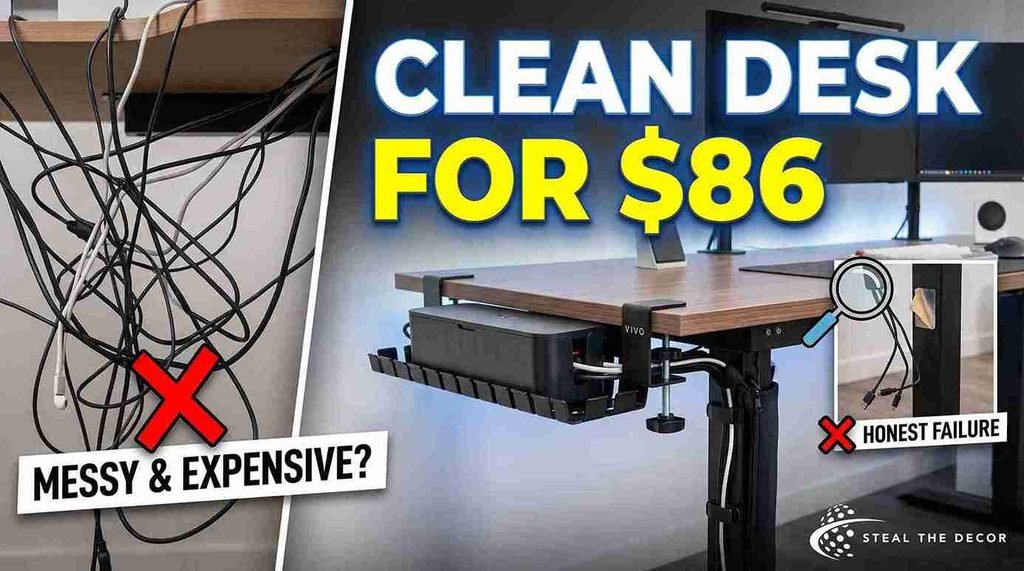
The finished setup cost $86.41 and took about four hours across three weekends including the parts that failed.
Here is the breakdown. The Vivo under desk cable tray was $28.99. A roll of Velcro One-Wrap was $9.47. The Alex Tech cable sleeve was $12.99. A pack of Command Cord Clips was $8.98. The cable management box for the surge protector was $25.98. I also bought a pack of adhesive cable holders for $9.99 that I no longer use and I am counting that as a loss rather than pretending it worked.
The desk has stayed clean and tidy since and the change did more to enhance the room than the money suggests. What worked: the clamp tray has not moved in five months through two desk repositions and a move of the whole setup to a standing desk. What failed: the adhesive holders dropped a bundle at 1 a.m. and one Command clip on the desk leg left a faint gray mark that came off with isopropyl alcohol and a little patience.
I tested this myself in a rented apartment where the lease bans any permanent fixture and everything here comes off in about ten minutes. Most renters find the same result as long as the adhesive stays on clean sealed surfaces.
Have you tried hiding cables under your desk without drilling? Tell me in the comments what held and what dropped.
Bottom line: $86 and one honest failure bought a clean desk I have not had to fix since.
FAQ: Desk Cable Management for Renters
What is the best cable management for a desk?
The best cable management for a desk is a clamp-on under desk cable tray combined with reusable Velcro cable ties because the tray carries weight without adhesive and the ties adjust in seconds. That pairing costs about $30 to $50 total and suits both a fixed desk and a standing desk in a rental apartment.
How do I hide cables under my desk without drilling?
Hide cables under a desk without drilling by clamping an under desk cable tray to the desk edge strapping the surge protector inside the tray with Velcro and routing each cable along the back edge before bundling. Adhesive cable clips handle single cords and a cable sleeve turns several loose cables into one trunk.
Is under desk cable management safe for a rental desk?
Under desk cable management is safe for a rental desk when the hardware clamps or straps instead of screwing in. Clamp trays and Velcro cable ties leave no mark at all. Removable adhesive such as Command Cord Clips by 3M releases cleanly from sealed laminate when you pull the tab straight down.
Does adhesive cable management leave residue or damage?
Removable adhesive usually leaves no residue on sealed laminate finished wood and painted drywall when removed by the pull tab rather than yanked. Heavy duty permanent tape does damage paint and veneer. In my experience a faint gray mark from a removable clip wipes away with isopropyl alcohol and a soft cloth.
How much does desk cable management cost?
A full no-drill desk cable management setup costs about $45 to $90 for most renters. My own build came to $86.41 including one failed product. A minimal version using only Velcro One-Wrap cable ties and a pack of Command Cord Clips by 3M runs closer to $20 and still removes most visible clutter.
What is the best cable management kit for a standing desk?
Standing desk cable management works best with a flexible cable spine plus a clamp-on tray because the spine carries the bundle as the desk rises and prevents a plug being pulled out at full height. Budget about $50 to $75 for the pair and leave 6 inches of slack at each device.
What should I do if an adhesive cable mount falls down?
If an adhesive cable mount falls move that load to a clamp tray or a Velcro strap rather than replacing the same clip. Clean the surface with isopropyl alcohol check the weight rating on the packaging and reserve adhesive cable clips for a single cable such as one HDMI cable or one phone charger.
Key Takeaways
- A clamp-on under desk cable tray such as the Vivo under desk cable tray holds a surge protector and several power bricks with no adhesive and no screws making it the safest cable management for a rental desk.
- Velcro One-Wrap by Velcro Brand costs about $8 to $14 per roll bundles cables at 6 inch intervals and can be undone and reused every time a monitor or cable changes.
- Command Cord Clips by 3M remove cleanly from sealed laminate and painted drywall when pulled by the tab but they hold reliably only for single cables rather than bundles.
- A closed cable management box with vents on both ends hides a power strip and its plugs and fast chargers should stay outside the box because of heat.
- A flexible cable spine is the part that makes standing desk cable management work because the spine carries slack as the desk rises and stops plugs being pulled loose.
- An Anker USB-C docking station removes four or five laptop cables at once for roughly $60 to $140 which reduces cable count instead of hiding it.
- A complete no-drill desk cable management setup cost StealTheDecor $86.41 in 2025 including one adhesive product that failed under load.
A Clean Desk Is Easier Than It Looks
The part that surprised me was how much of the win came from two cheap items. A clamp tray and a roll of reusable cable ties did more for my workspace than anything I spent real money on. The docking station is lovely and it is not where I would start.
Have you tried any of these cable management solutions on your own desk and did the adhesive hold? Tell me what happened in the comments because the failures are the useful part.
If tidying the desk has you looking at the rest of the room the same damage-free thinking applies to large-scale wall art for apartments and that is the post I would read next. All the products I tested and recommend are linked above and I have used every one of them in my own rental.
You do not need a drill a landlord conversation you dread or a new desk. You need about an hour and roughly $50.